
How to enable breakout rooms in your event?
Last updated: August 13, 2025
Go to Breakout rooms to enable the breakout room functionality. Breakout rooms are their own small virtual rooms, like Zoom meetings within the event. Attendees can collaborate and discuss in smaller groups.
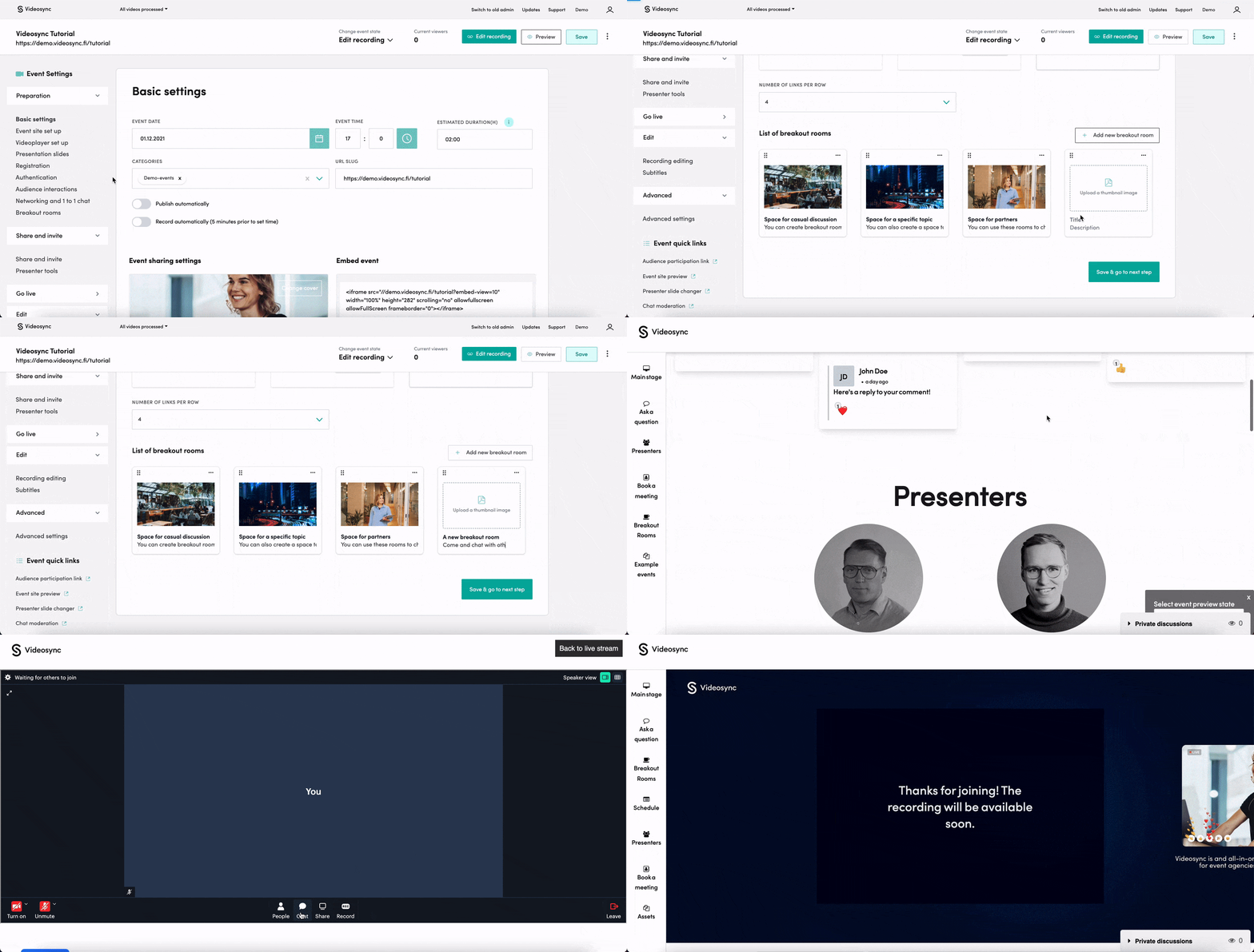
Creating a breakout room
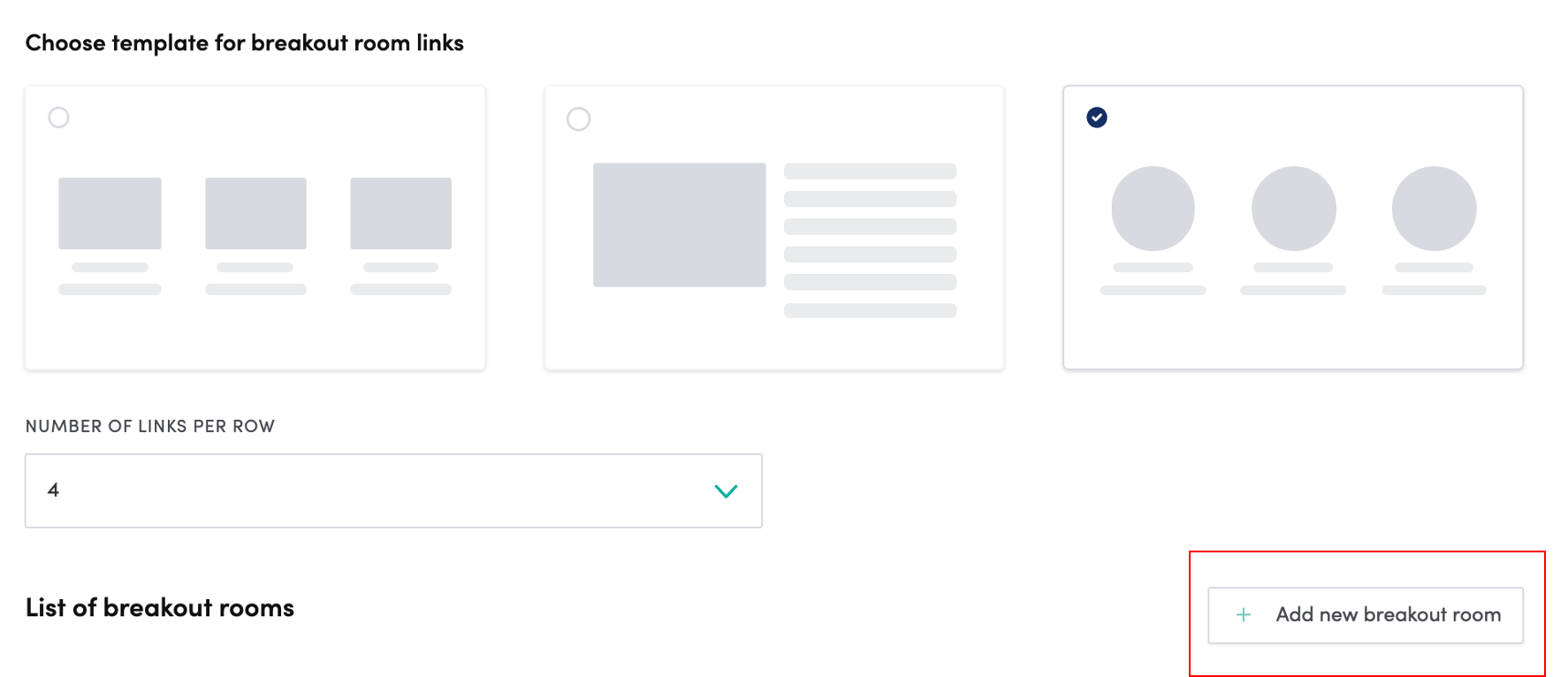
You can decide the visual template for breakout rooms between different templates. You can also limit the amount of rooms per row, which is handy if you have a lot of different rooms. To add a new breakout room, click “Add new breakout room” button on the right hand side.
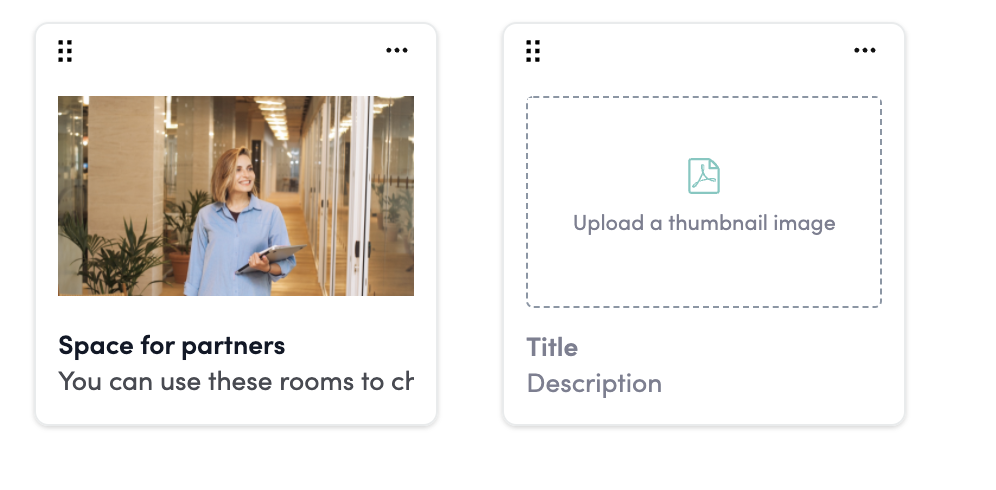
Add a title, short description and a thumbnail image to the breakout room and click save.
Using a breakout room
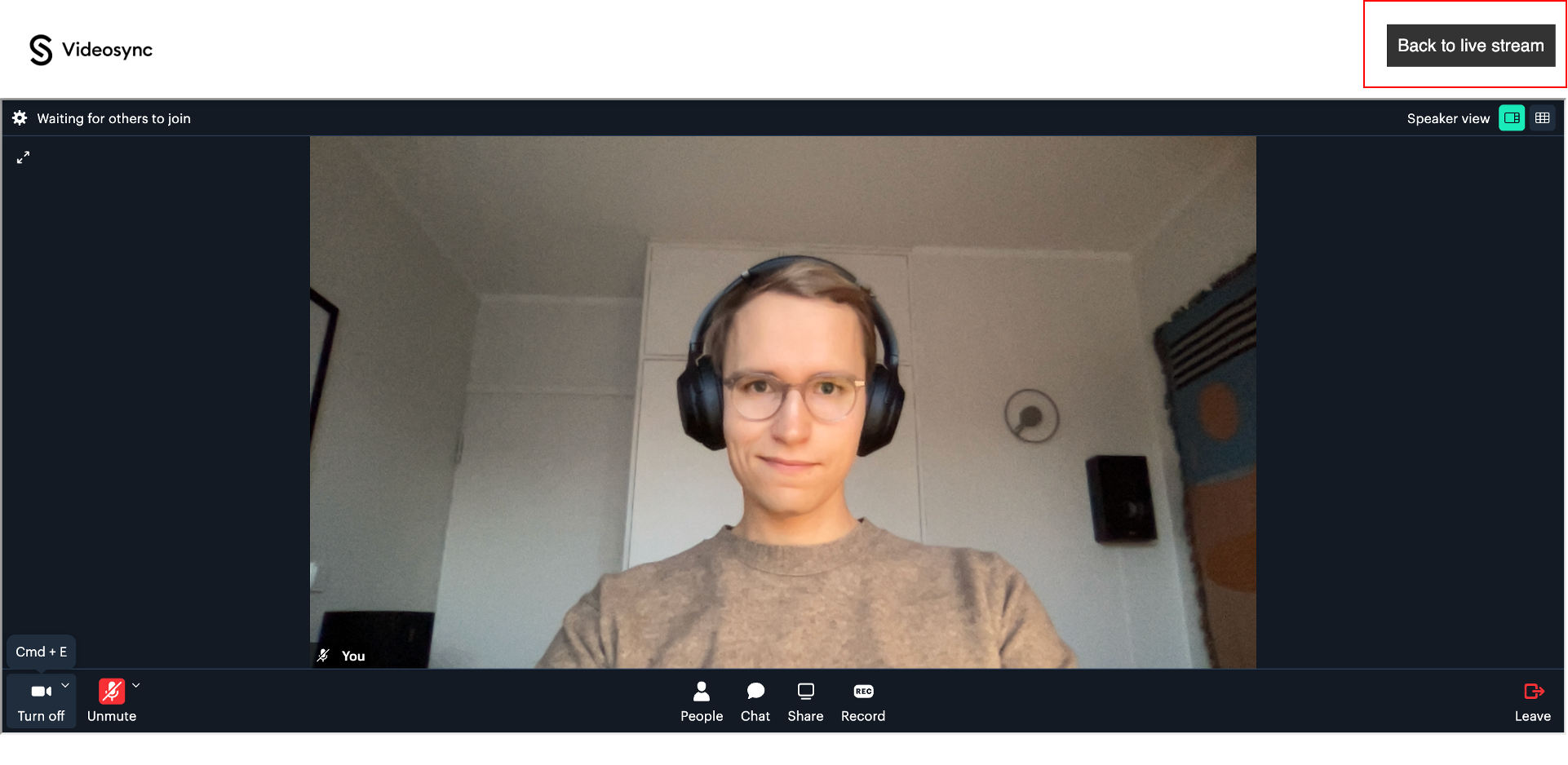
Using a breakout room is as easy as using any video call tool such as Zoom, Teams or Meet. You can just join the meeting and start chatting!
Features for attendees
- Use camera
- Use microphone
- People list
- Text chat
- Screen sharing
- Record the session You can get directly back to the live stream from the button on the top right corner!
Can't find what you're looking for?
Our AI assistant is here to help you find the information you need.