
Guidelines for Image Aspect Ratios on the Viewing Page
Last updated: August 13, 2025
💡 **This doc describes the recommended image sizes and aspect ratios for Videosync event sites.
The mentioned resolutions are recommendations, but if you upload bigger resolution images, Videosync will automatically downscale them to be optimised for web.**
Header/Footer
- Logo
- Aspect ratio is flexible, landscape orientation is recommended
- Alignment: contain
- Size: The recommended width for the logo is between 250 to 400 pixels.
Registration Page/Hidden Page
- Background Image
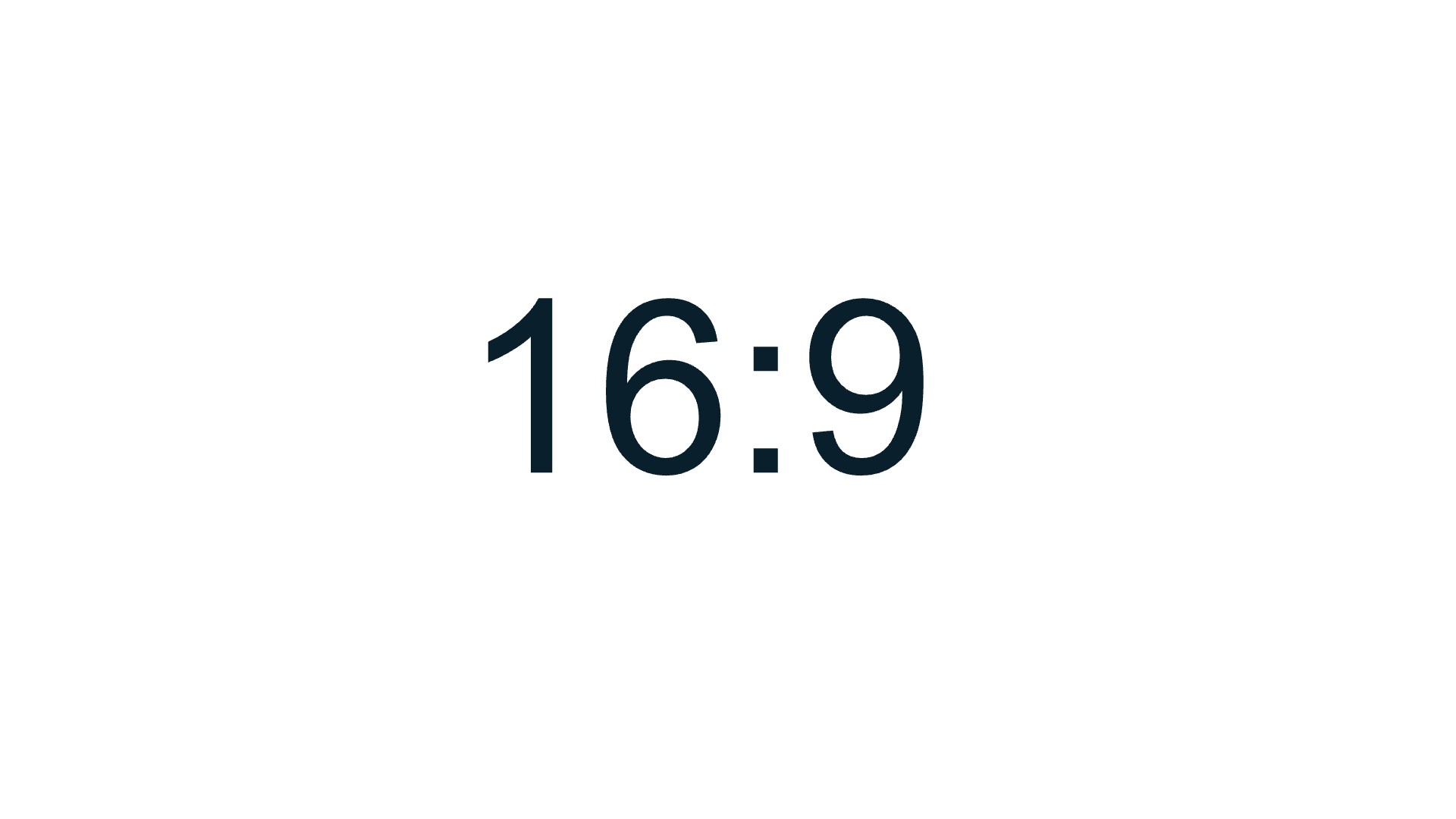
- Aspect ratio: The standard size for the background image is 16:9.
- Alignment: cover
- Size: 1920x1080
- Separate Image: (shown alongside the registration form)
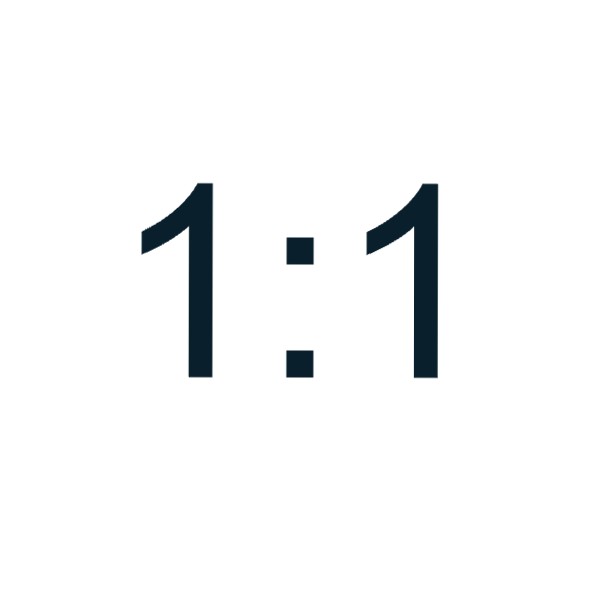
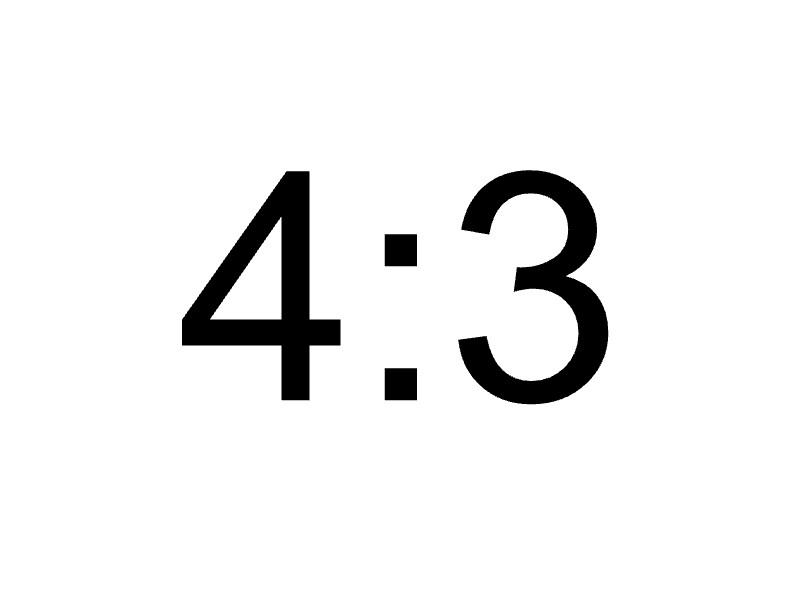
- Aspect ratio: 4:3 or 1:1 preferred, 16:9 works too
- Alignment: contain
- Size: 500x500 or higher
Speaker Images / Link List
- Circular Images: The aspect ratio should be 1:1.
- Other Images: The following aspect ratios work well:
- 1:1
- 5:7
- 16:9
What alignment cover means?
- What it does: The image is scaled up (or down) so that it covers the entire container.
- Result: The container is fully filled by the image, with no empty spaces. However, this might mean that parts of the image are cut off because it will fill the container entirely. Like with “contain,” the aspect ratio is preserved, so the image won’t look distorted, but you might lose some of the image at the edges.
What alignment contain means?
- What it does: The image is scaled down (or up) to fit completely within the container without cutting off any part of it.
- Result: The entire image is visible, but there might be empty space (usually background color) on the sides or top/bottom, depending on the shape of the container compared to the image. The image’s aspect ratio (the relationship between width and height) is preserved, meaning it won’t look stretched or squished.
Sample images
Can't find what you're looking for?
Our AI assistant is here to help you find the information you need.